Cisco 400-351 - Questions & Answers
Free preview · every answer includes a full explanation
Product page: https://prepkeys.com/400-351.html
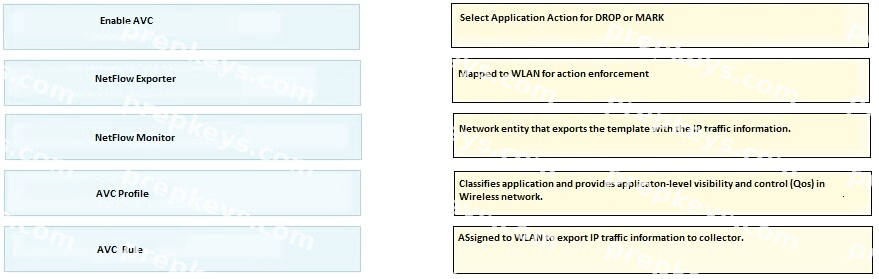
DRAG DROP
Drag and drop the AVC configuration feature on the left to their respective function on the right.

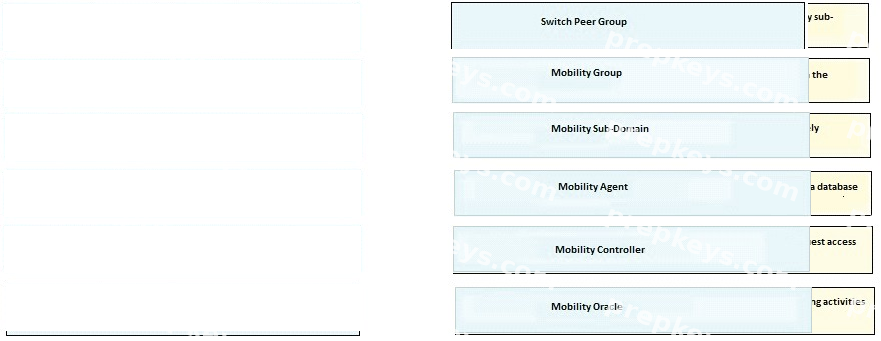
DRAG DROP
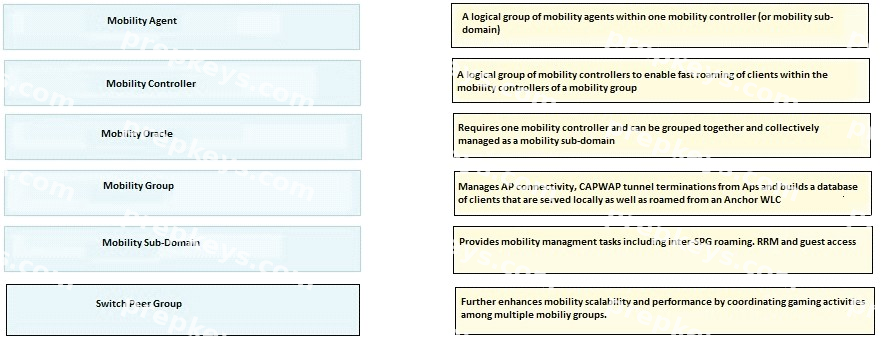
Drag and drop the mobility architecture components on the left to their primary function on the right?
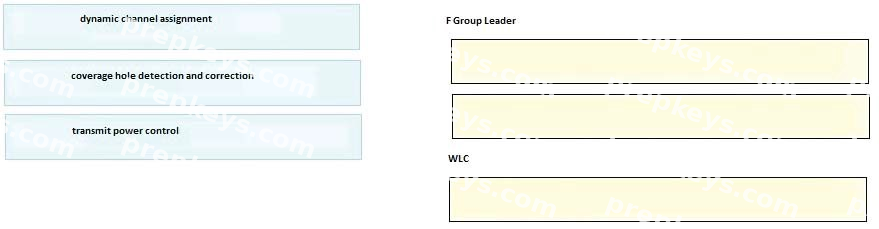
DRAG DROP
Drag and drop the RRM function on the left to the entity that performs the function on the right

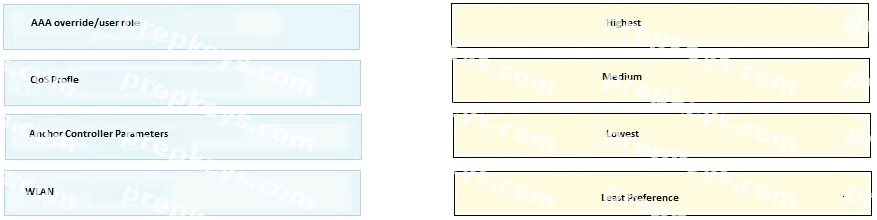
DRAG DROP
Drag and drop the per-client downstream rate limiting settings on the left on their correct order of preference on the right.


DRAG DROP
Prime infrastructure allows you to change an alarm status, drag and drop the status on the left correct description on the right?


DRAG DROP
Drag and drop the wireless deployment modes on the left to the corresponding roaming descriptions on the right?
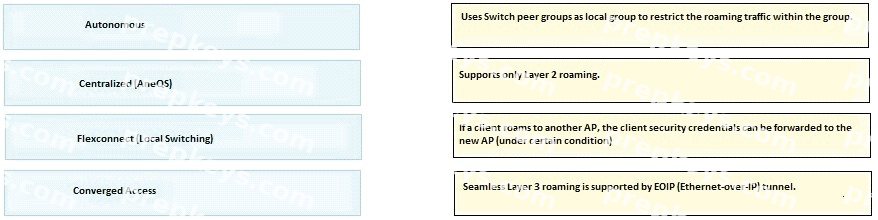

DRAG DROP
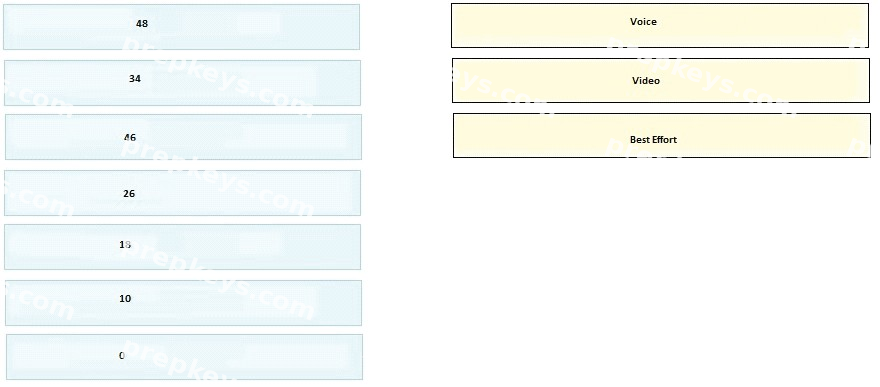
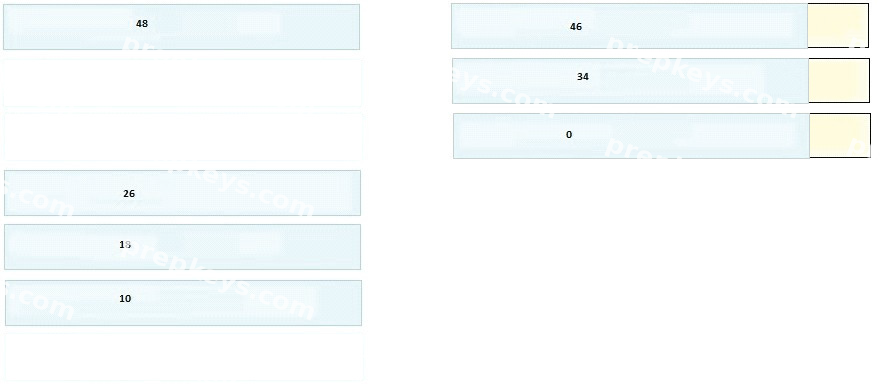
Drag and drop the Cisco AWID IP DSCP values on the left to its matching traffic type on the right.(not all options will be used)
DRAG DROP
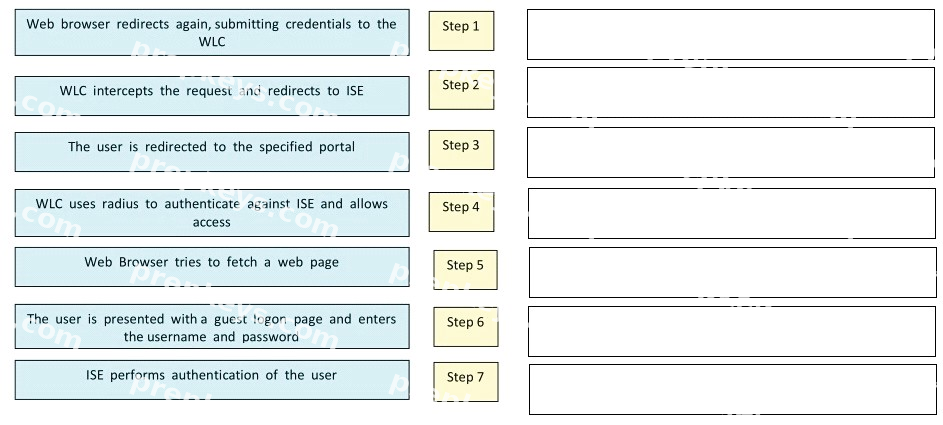
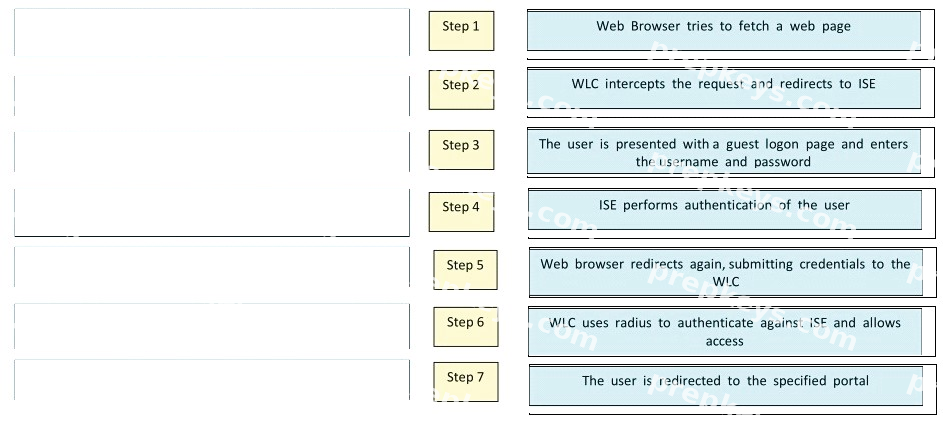
You are authenticating users using LWA and ISE guest portal.
Drag and drop the step in the process on the left into the correct order on the right ?
DRAG DROP
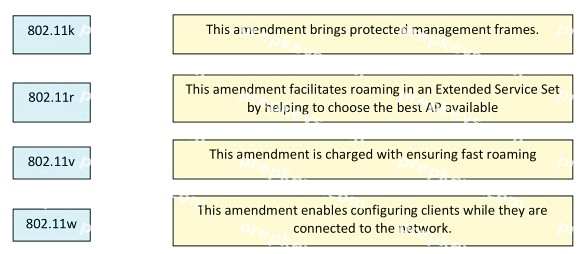
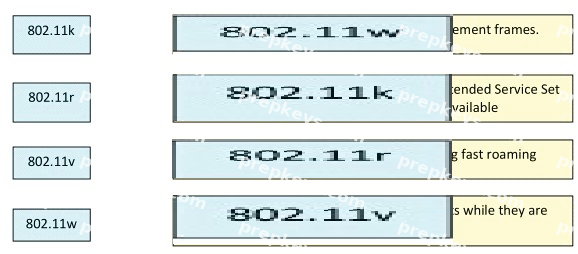
Drag and drop the 802.11 standards on the left onto the corresponding descriptions on the right.
DRAG DROP
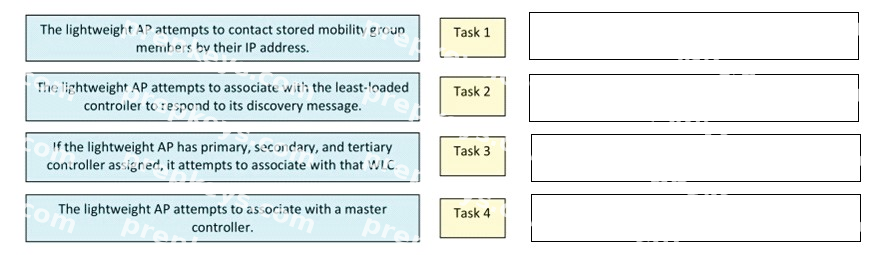
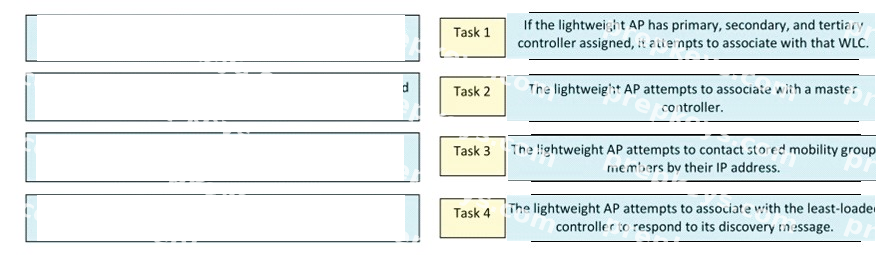
In multiple-controller deploymentsI if one controller failsI the access points perform these tasks. Drag and drop the tasks on the left into the correct order on the right.