Microsoft 77-731 - Questions & Answers
Free preview · every answer includes a full explanation
Product page: https://prepkeys.com/77-731.html
FILL BLANK
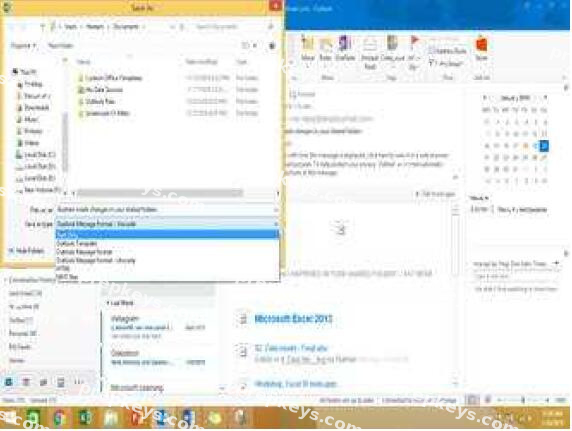
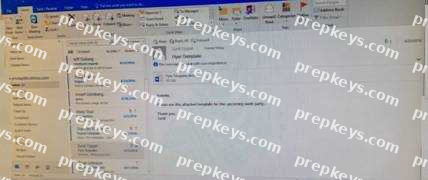
In the inbox locate the ''Flyer Template'' message. Save the message to the Documents folder as a text
file. Use default file name.
FILL BLANK
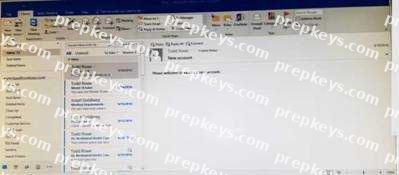
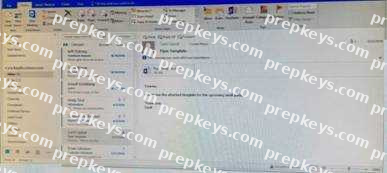
Mark the ''Flyer Template'' message as Do not forward between today and tomorrow. Do not set a reminder.

FILL BLANK
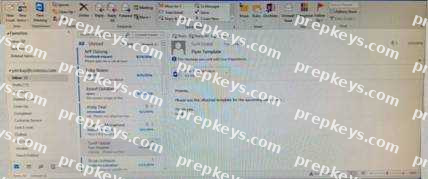
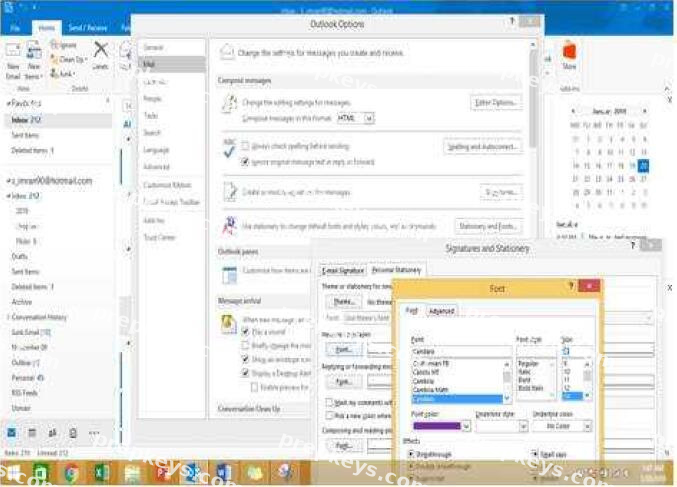
Configure Outlook to set the default font for new email messages to Purple 14-point Candara.
FILL BLANK
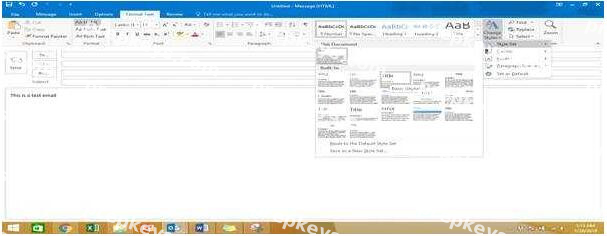
In the Drafts folder, open the ''Process Development'' message. Apply the Basic (Stylish) style set.
Send the message.
FILL BLANK
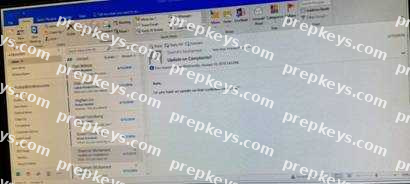
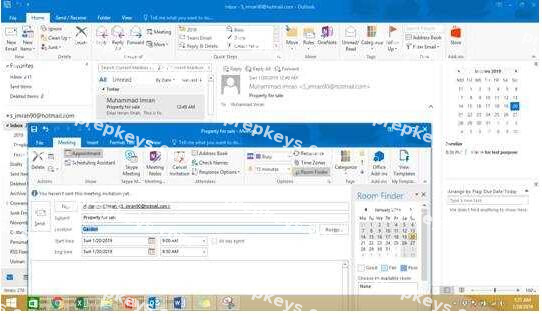
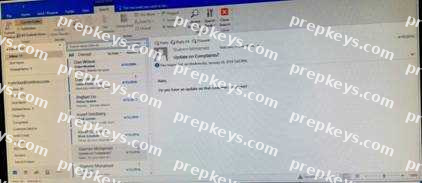
In the inbox, Locate the ''Update on Complaints?' message. From the message, create a meeting request that automatically includes the message content and invite all of the message recipients as attendees.
Schedule the meeting to take place tomorrow, from 9:00 AM to 9:30 AM, in ''Garden; Send the meeting
request.
FILL BLANK
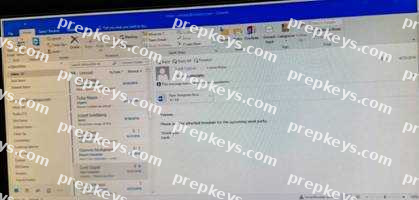
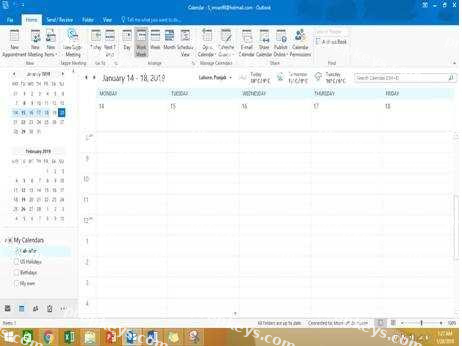
Display the Calendar, Configure the view to display the schedule for the current work week.
FILL BLANK
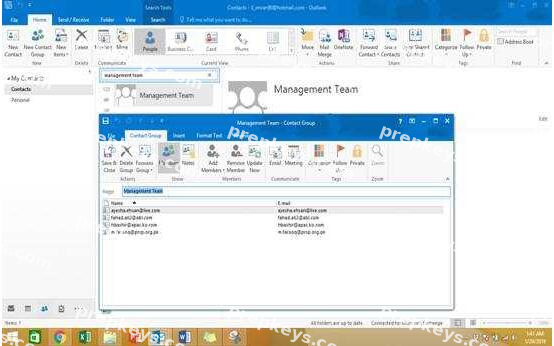
Add the contact ''Dan Wilson" to the ''Management Team'' contact group. Save and close the contact group.
FILL BLANK
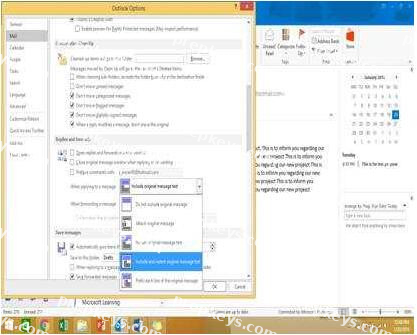
Configure Outlook to include and indent the original message text when you reply to a message.
FILL BLANK
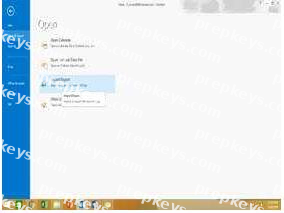
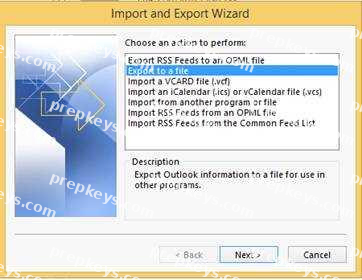
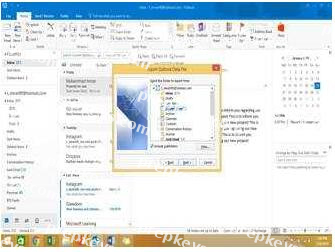
Export the contents of the Deleted items folder and its subfolders to a .pst file. Save the file in the Documents folder as ''Deleted.pst''. Do not enter a password.
FILL BLANK
Reset the navigation pane buttons to the default settings.