Microsoft MO-101 - Questions & Answers
Free preview · every answer includes a full explanation
Product page: https://prepkeys.com/mo-101.html
Simulation
Create a mail merge recipient list that contains one entry with the first name "Paula" and the last name
"Bento". Save the list in the default folder as "Snowboarders*. Leave the field structure of the recipient list intact.
Simulation
You are creating a newsletter for Alpine Ski House.
Copy only the Title style from the AlpineStyle template in the Documents folder into the current document Overwrite the existing style to change the appearance of the document title.
Note: Copy the style the template to the document. Do not attach the template to the documents.
Simulation
in the document footer configure the FileName field to display the file path in front of the file name. Note: Modify the field property. Do not add another field.
Simulation
in the ' Index section, update the index to include all marked index entries in the document.
Simulation
Save the styles in the document as a style set named Wells".
Save the style set file in the default location.
Simulation
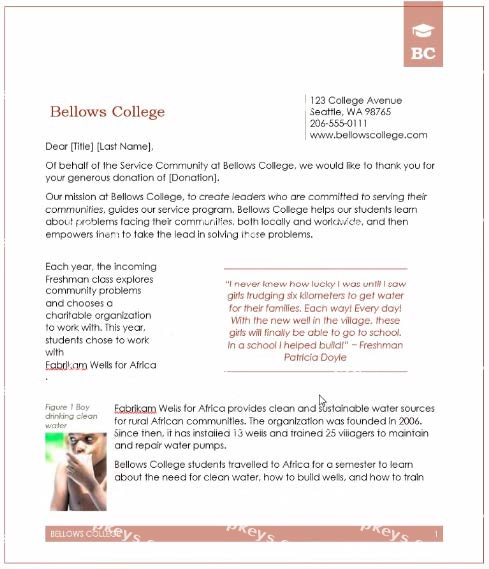
You are creating a donor appreciation document for a college.
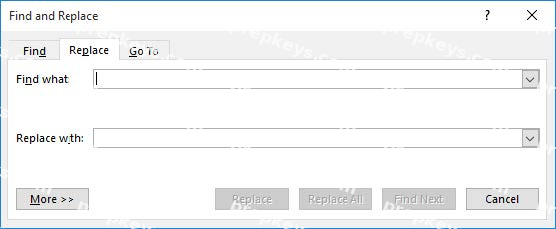
Use a Word feature to replace all nonbreaking spaces in the document with regular spaces.
Simulation
To the right of "Figure 1'. select the paragraph that begins 'Bellows College students'.
Configure the pagination options so that all lines of the paragraph will always stay together on the same page.
Simulation
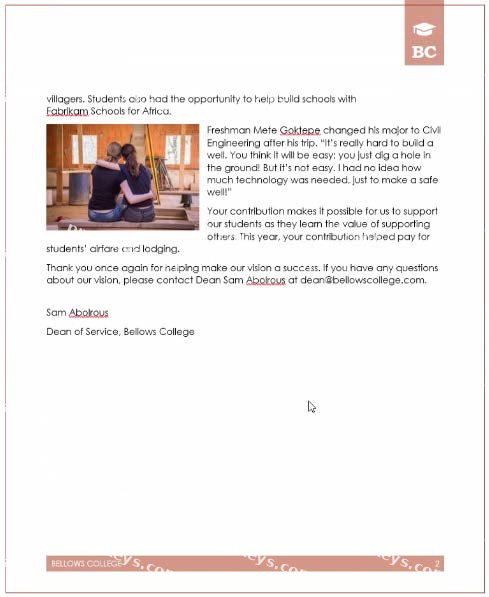
Display the caption 'Figure 2 Patricia Doyle and friend'' below the second photo in the document. Note: Word automatically adds the text Figure 2.
Simulation
This project has only one task.
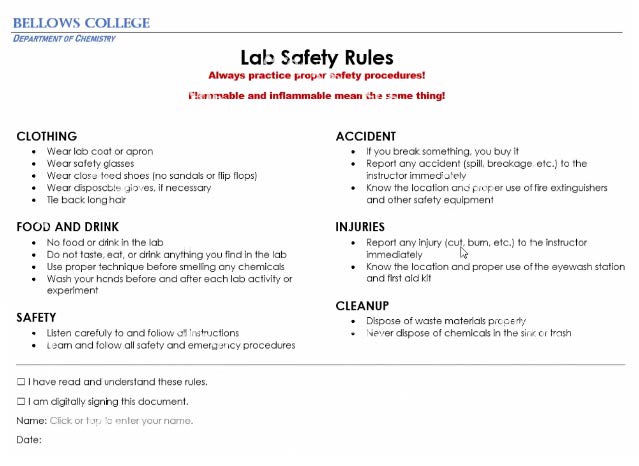
Select the "Bellows College' and 'Department of Chemistry" paragraphs. Save the selected text as a Quick Part named Chemistry header. Save the Quick Part in the Bellows template, in a custom category named
'Departments''.
Simulation
This project has only one task.
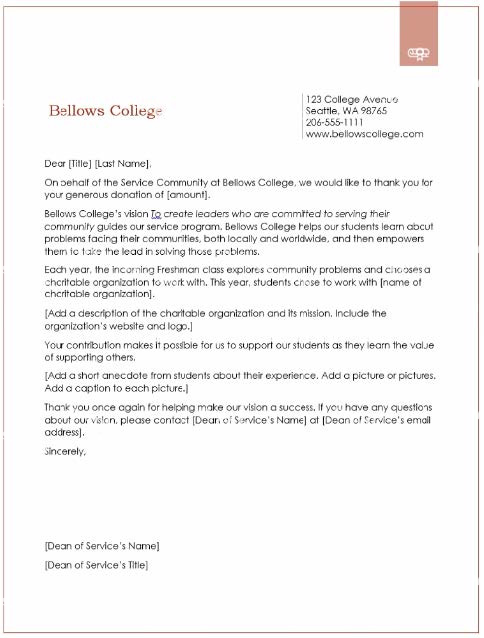
Combine the current document with the DonaitionLetter2 document from the Documents folder. Show the changes in the original document.
Do not accept or reject the tracked changes.
Note: Use Donationletter as the original document and DonationLelter2 as the revised document.