Microsoft MO-200 - Questions & Answers
Free preview · every answer includes a full explanation
Product page: https://prepkeys.com/mo-200.html
Simulation
On the ''Prices'' worksheet, in the ''inventory Notice'' column, use a function to display ''Low'' if the '' inventory Level % is below 15%. Otherwise, leave the ''Inventory Notice'' blank.
Simulation
On the ''Prices'' worksheet, apply the Title style to cell A1.
Simulation
On the ''Orders'' worksheet, filter the table data to display only the orders from ''Alpine SKI House.''
Simulation
On the ''Prices'' worksheet, in the ''Tax column, enter a formula that multiples the value in the ''Unit Price'' column by cell L2.
Simulation
On the ''Inventory' chart sheet, insert a chart title above the chart, at the top of the plot area. Display the percentage values as data labels to the right of each data bar.
Simulation
You are updating the sales spreadsheet for an online clothing store.
On the "Quote'' worksheet move the cells E8:F32 up to correct the alignment by deleting cells E7:F7.
Simulation
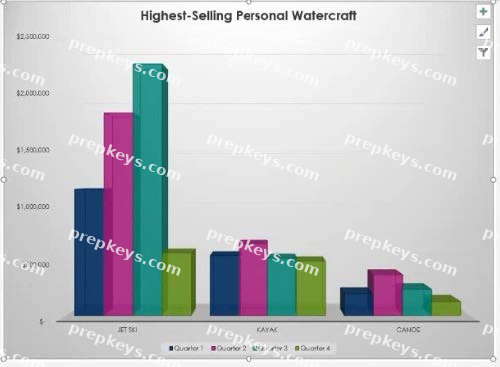
On the 'Comparison' chart sheet, swap the data the axis.
Simulation
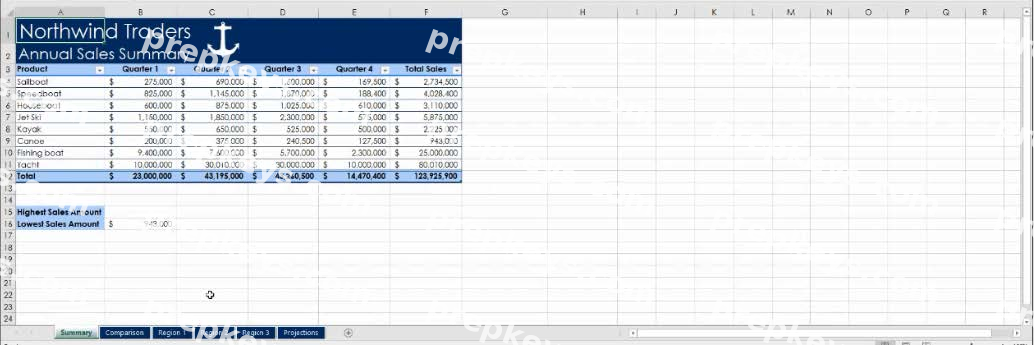
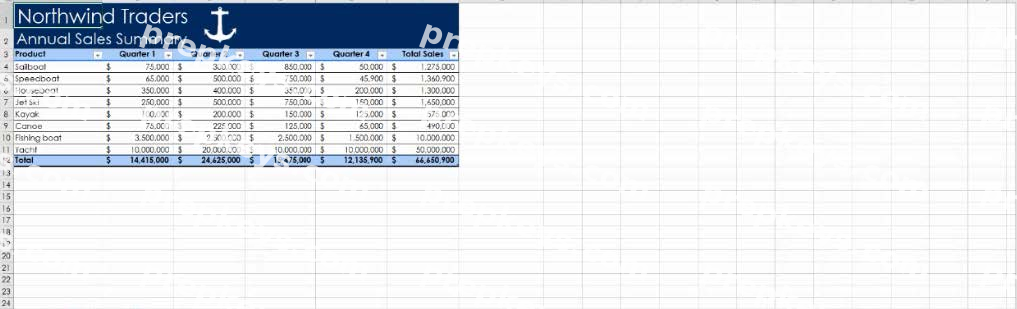
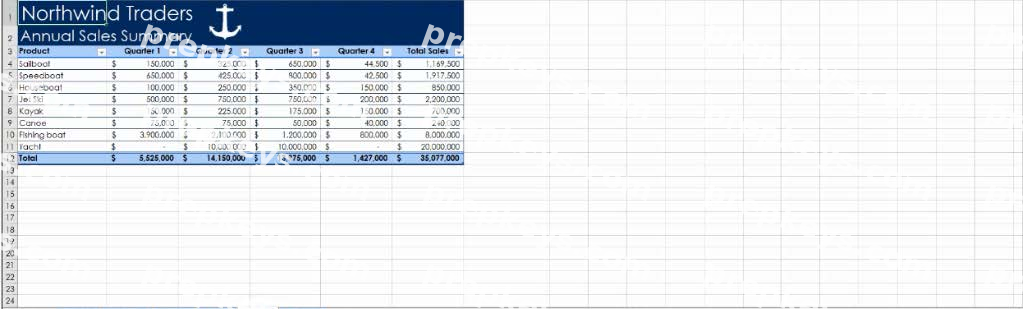
You are revising a sales summary report for Northwind Traders.
On the ''Summary'' worksheet, in cells F4:F11, use conditional formatting to apply the Yellow Fill with Dark Yellow Text format to cells that contain values greater than ''$5,000,000.''
Simulation
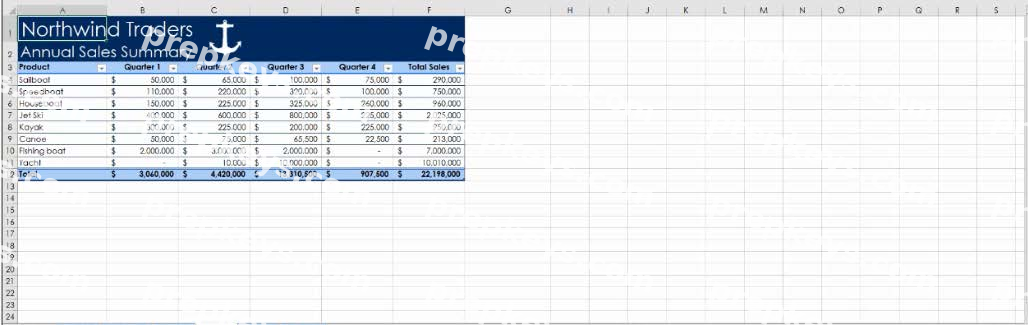
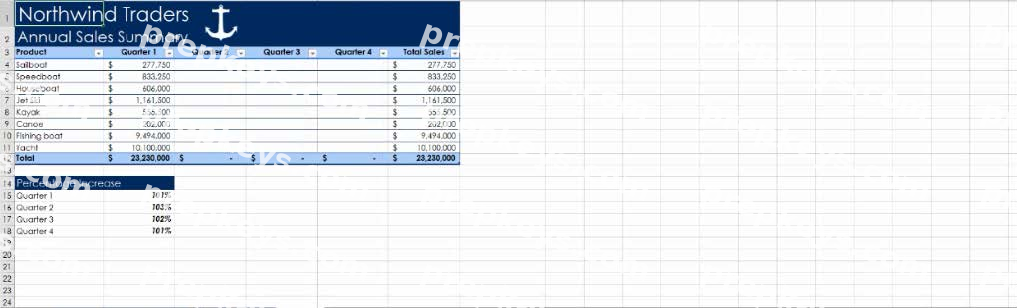
On the ''Projections' worksheet, in the ''Quarter2'' column, enter a formula that multiples the value in the Quarter 1'' column by the 'Q2_increase' named range. Use the range name in the formula instead of a cell reference or value.
Simulation
On the ''Summary' worksheet, in cell B15, use a function to display the highest sales amount from the
''Total Sales'' column.