Microsoft MO-300 - Questions & Answers
Free preview · every answer includes a full explanation
Product page: https://prepkeys.com/mo-300.html
Simulation
You are developing a sales presentation for Margie's Travel.
In the file properties, add ''Travel'' as a category.
Simulation
On the ''Extra Activities'' slide, insert a row at the end of the table. In the row, enter ''Sporting Event'' in the ''Event'' column and ''$175'' in the ''Price'' column.
Simulation
After the ''Extra Activities'' side, create slides by importing the outline from the Destination documents in the Document folder.
Simulation
On the ''Travel Destinations'' slide, add the alt text description '' Ocean' to the image.
Simulation
On the ''Price Comparison'' slide. In the content placeholder, create a 3-D Clustered Column chart that displays on the table content.
You may copy and paste or manually enter the table data in the chart worksheet.


Simulation
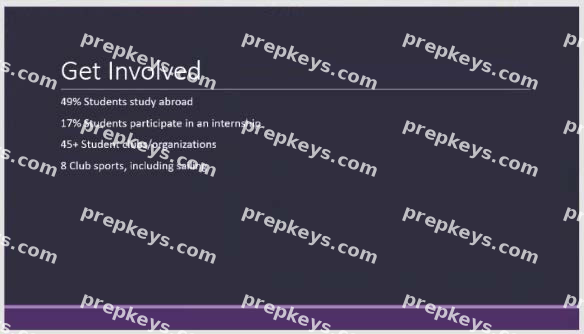
On the ''Get Involved'' slide, insert the Sailing video from the Videos folder. Place the video in the lower-right corner of the slide.
The exact size and position of the video do not matter.
Simulation
On the ''Admission information'' slide, configuration a Down motion path animation for the check mark icon.
Simulation
Configure the printing options to print three copies of the Notes Pages for all slides. All copies of page 1 should print before any copies of Page 2.
Simulation
You are preparing a presentation for prospective students of the School of Fine Art.
On the Slide Master, duplicate the ''Blank'' slide layout. Name the new Slide layout ''Picture with Text''.
Insert a picture placeholder on the left and a text placeholder on the right.
The exact size and position of the placeholders do not matter. Do not create a slide based on the new slide layout.
Simulation
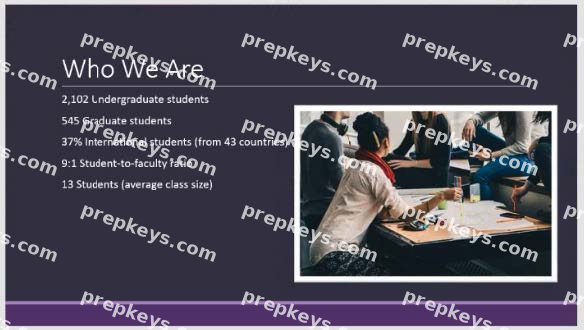
On the ''Who Are'' slide, apply the Bevel Perspective Left, White picture style and the Paint Brush artistic effect to the image.